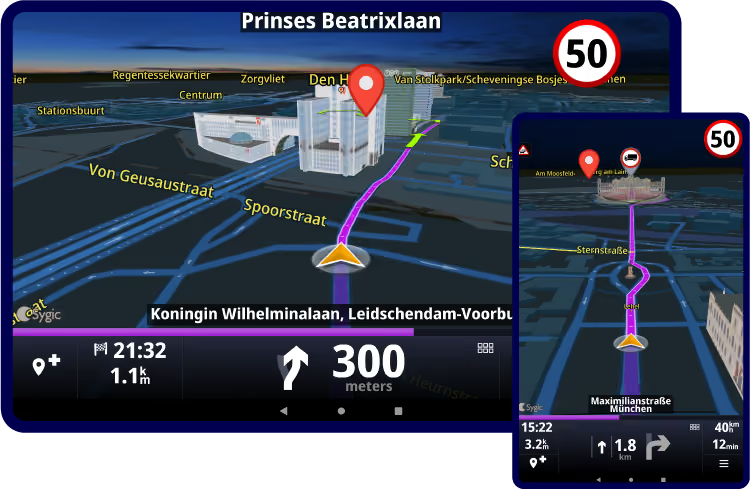
Reduce manual destination entry
Send stops, itineraries, or planned routes into navigation, so drivers do not need to type addresses manually.


Guide drivers through delivery routes with multiple stops, reliable ETAs, time windows, and traffic-aware navigation. Use Sygic Professional Navigation to send planned routes, stops, or destinations to drivers, or let navigation calculate the route based on vehicle profile and road conditions.


Plan delivery routes in your own FMS, TMS, dispatch, or optimization system and send them to Sygic Professional Navigation for driver guidance. Drivers can follow routes planned in the office, while navigation supports route execution with vehicle settings, traffic information, and clear turn-by-turn guidance.
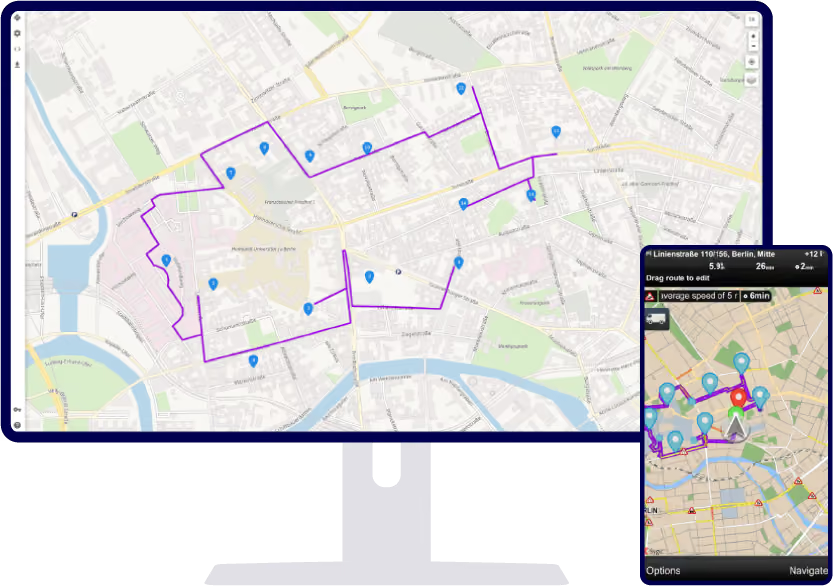
Send stops, destinations, or itineraries into Sygic and let navigation guide drivers from one delivery point to the next. Sygic can show ETA to waypoints, stop times, and time windows where supported, helping drivers understand the route ahead and stay aligned with the delivery plan.
.avif)
Traffic, route changes, and delays can affect every stop after the first one. Sygic uses traffic-aware navigation and ETA information to help drivers and dispatchers work with arrival times that better reflect the road ahead. Where integrated, ETA data can support dispatcher visibility.
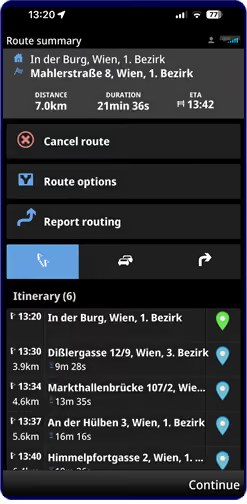
Urban delivery often means restricted streets, low bridges, weight limits, low-emission zones, and difficult final approaches. Sygic helps route trucks, vans, and electric vehicles with relevant vehicle settings and supported road restrictions, so drivers are less likely to face roads or zones that do not fit the vehicle.
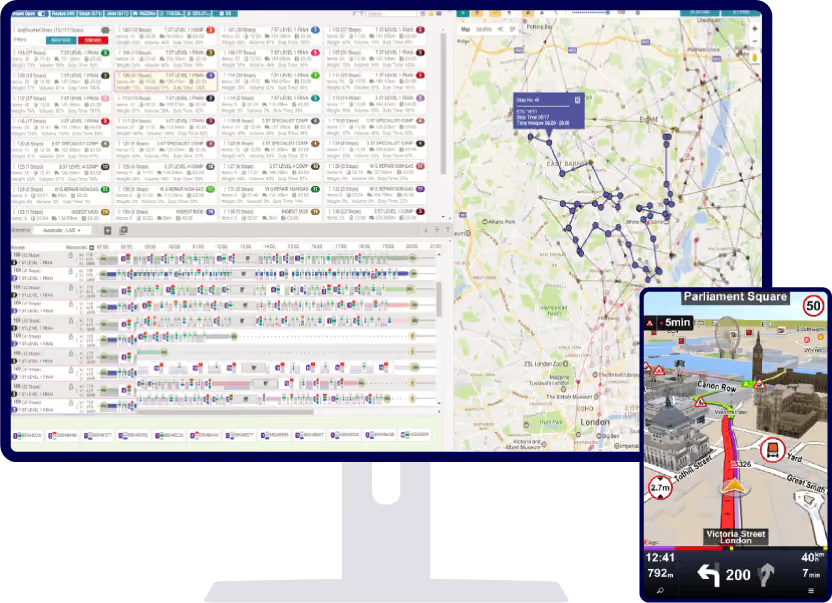
Delivery does not stop when mobile coverage drops. Offline maps help drivers stay guided in rural areas, industrial zones, tunnels, or places with poor data coverage, without depending on a constant connection.
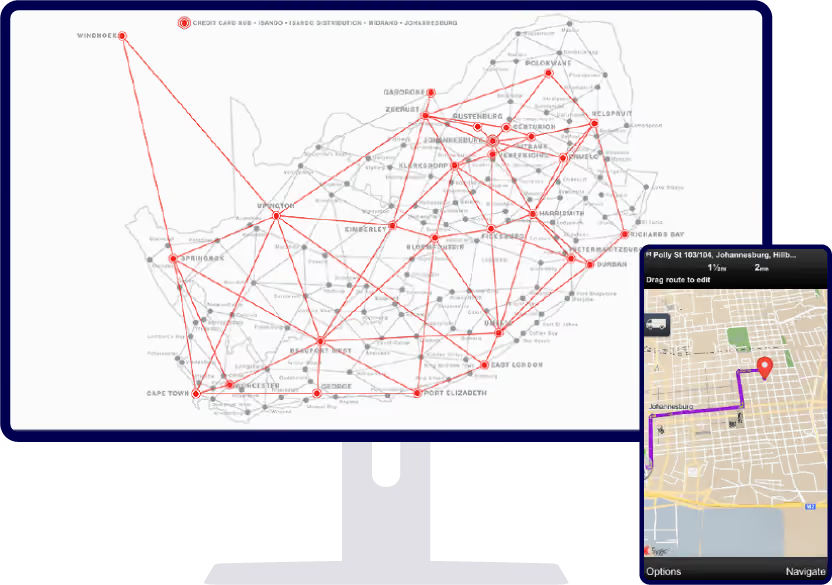
Send stops, itineraries, or planned routes into navigation, so drivers do not need to type addresses manually.
Help drivers follow the planned stop sequence or navigate between stops with clear guidance.
Use traffic-aware navigation and route progress information to reduce uncertainty around arrival times.
Guide drivers closer to the right delivery point with precise addresses, coordinates, or supported location data.

Tell us about your fleet and current setup. Whether you need pricing, want to explore a free trial, or have technical questions, we're here to help.