Popular searches
Choose the integration model that fits your platform, workflow, and development capacity — from embedded navigation to stand-alone app control or URL-based route handover.
.webp)

Start navigation with a simple URL command.
Use Custom URL integration when you need a fast way to open Sygic navigation from another system.
Best for: fast handover without deeper SDK or API integration.
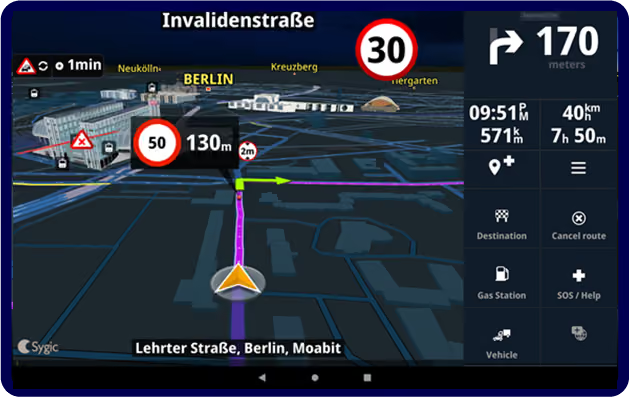
Connect your app with Sygic as a separate navigation app
Use stand-alone integration when you want Sygic to run separately, while still staying connected to your workflow.
Best for: connected navigation without embedding it into your app screen
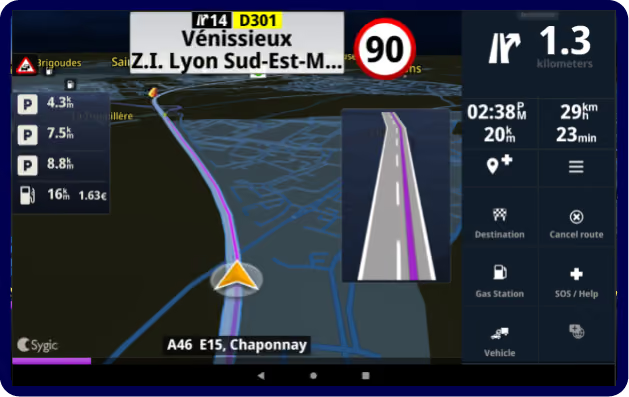
Show navigation inside your own app
Use Embedded navigation when navigation needs to be part of your app experience.
Best for: products that need navigation as part of the driver experience
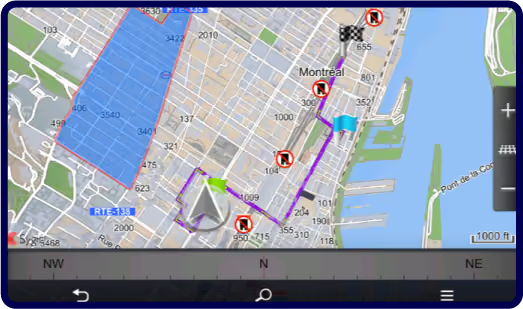
Download trial packages to start integrating Sygic Professional Navigation into Android, Windows, or Linux apps. This download is intended for enterprise customers and developers only.

Tell us how you manage routes, stops, and driver workflows today. Our project team will help you compare the options and choose the setup that fits your technical needs and driver experience.